Free Release v2.0.0 · Local-first Windows Desktop Workstation
Learn 10 programming languages on your PC. Zero cloud subscriptions, zero syntax paralysis.
Stop renting web-based coding sandboxes that hide runtimes behind monthly subscriptions. Code Coach gives you a full-featured desktop workstation powered by the real Monaco editor, local compiler bridges (Node, Python, Clang, .NET, Rust, SQLite), an intelligent 3-tier progressive hint ladder, time-travel execution stepper, and printable PDF certificates.
- Windows 10/11 64-bit
- 10 Programming Languages
- Real Native Compilers
- Monaco IDE (VS Code Engine)
- 3-Tier Progressive Hint Ladder
- Zero Cloud Telemetry
Local-first & private: runs on your PC with no subscriptions and no telemetry. Optional cloud sync is opt-in; your code stays on your computer unless you sign in.
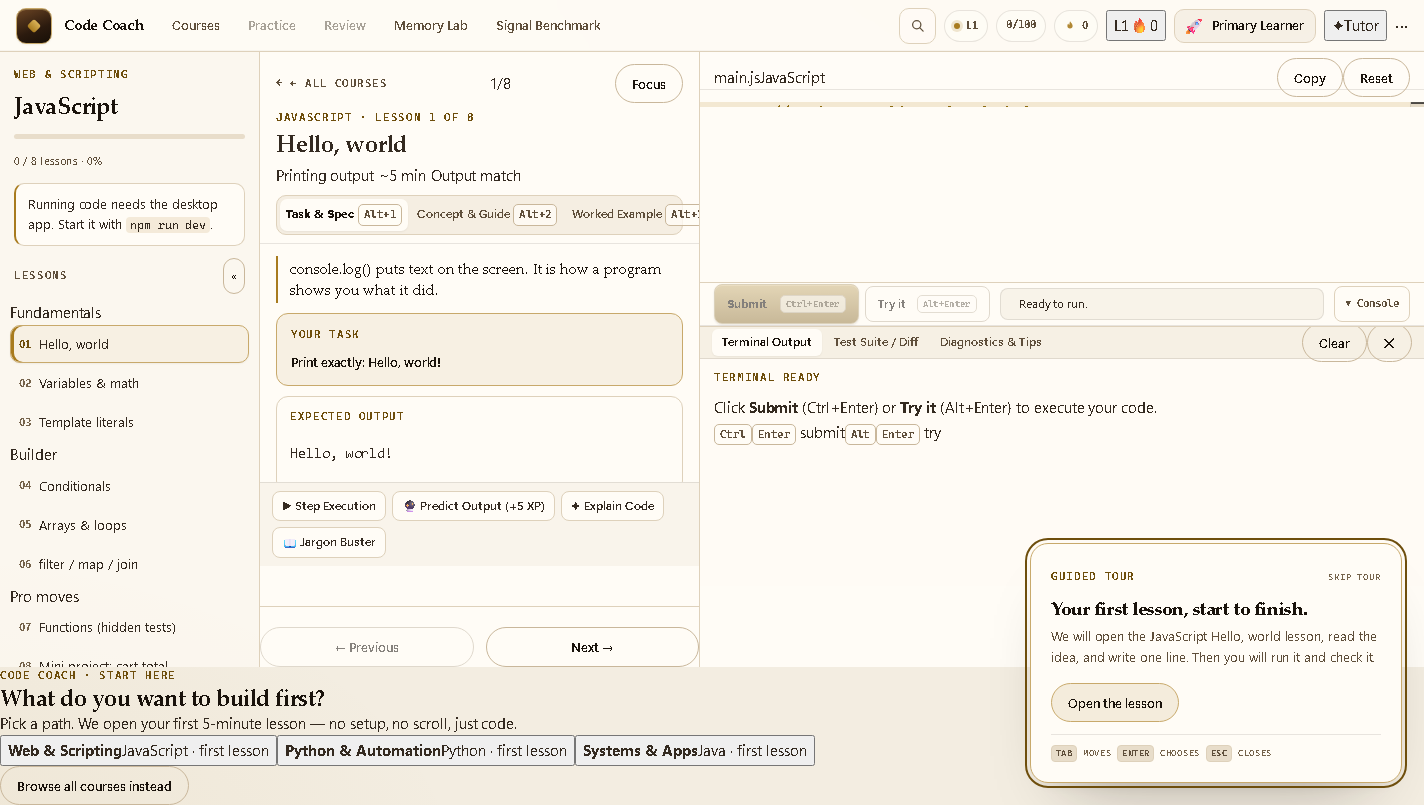
Built for ambitious developers, students, and engineers who want to master real-world syntax, algorithms, and system programming without cognitive friction or online distractions.
Cognitive Pedagogy
Six architectural breakthroughs designed to eliminate developer friction
Zero-Scroll Workstation
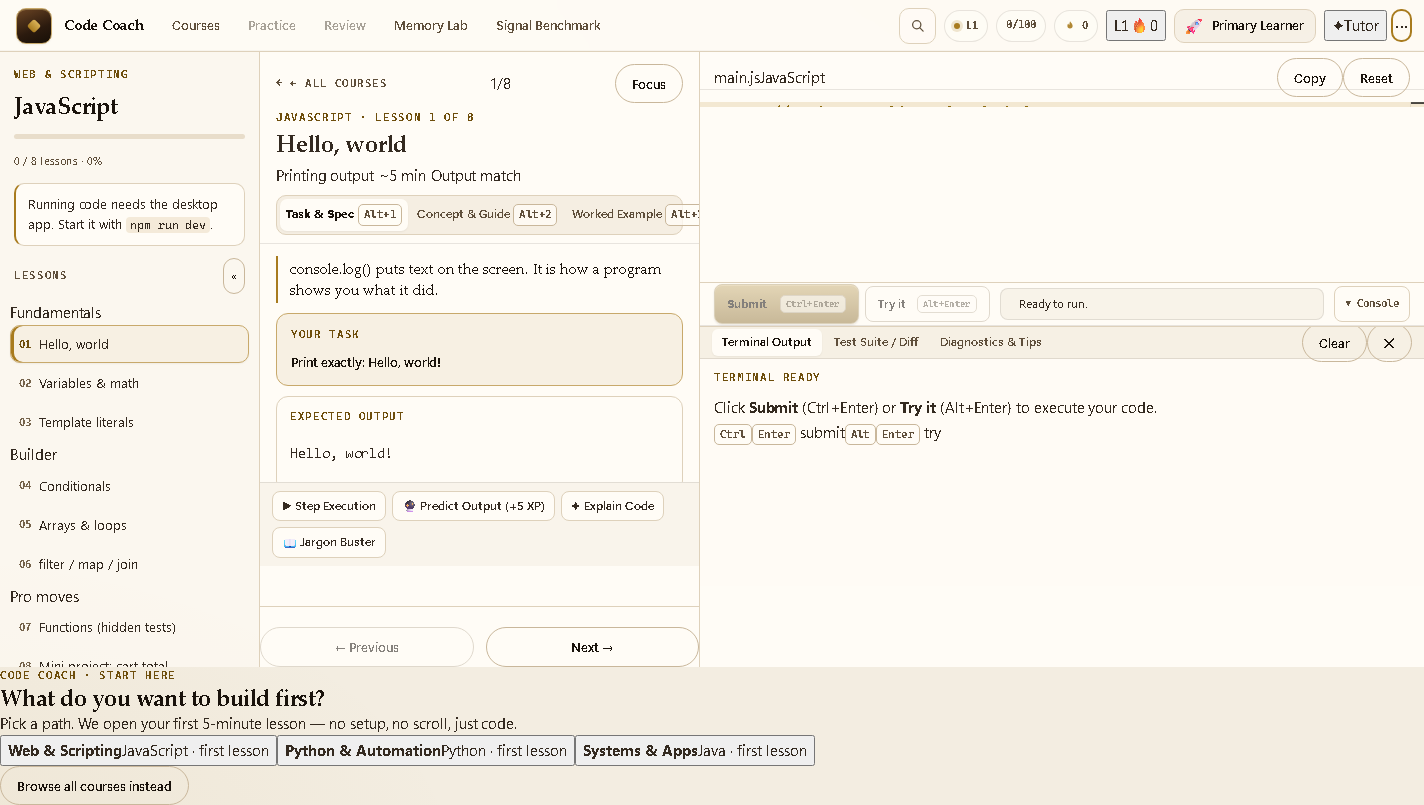
Strict 100dvh desktop layout with zero window-level scrollbar bleeding. The Monaco IDE and docked terminal adapt dynamically via a draggable vertical pane splitter.
3-Tier Progressive Hint Ladder
Never get stuck. Tier 1 provides a conceptual nudge; Tier 2 outlines a language-agnostic pseudocode blueprint; Tier 3 offers a syntax skeleton with a 1-click insert button.
Time-Travel Visual Stepper
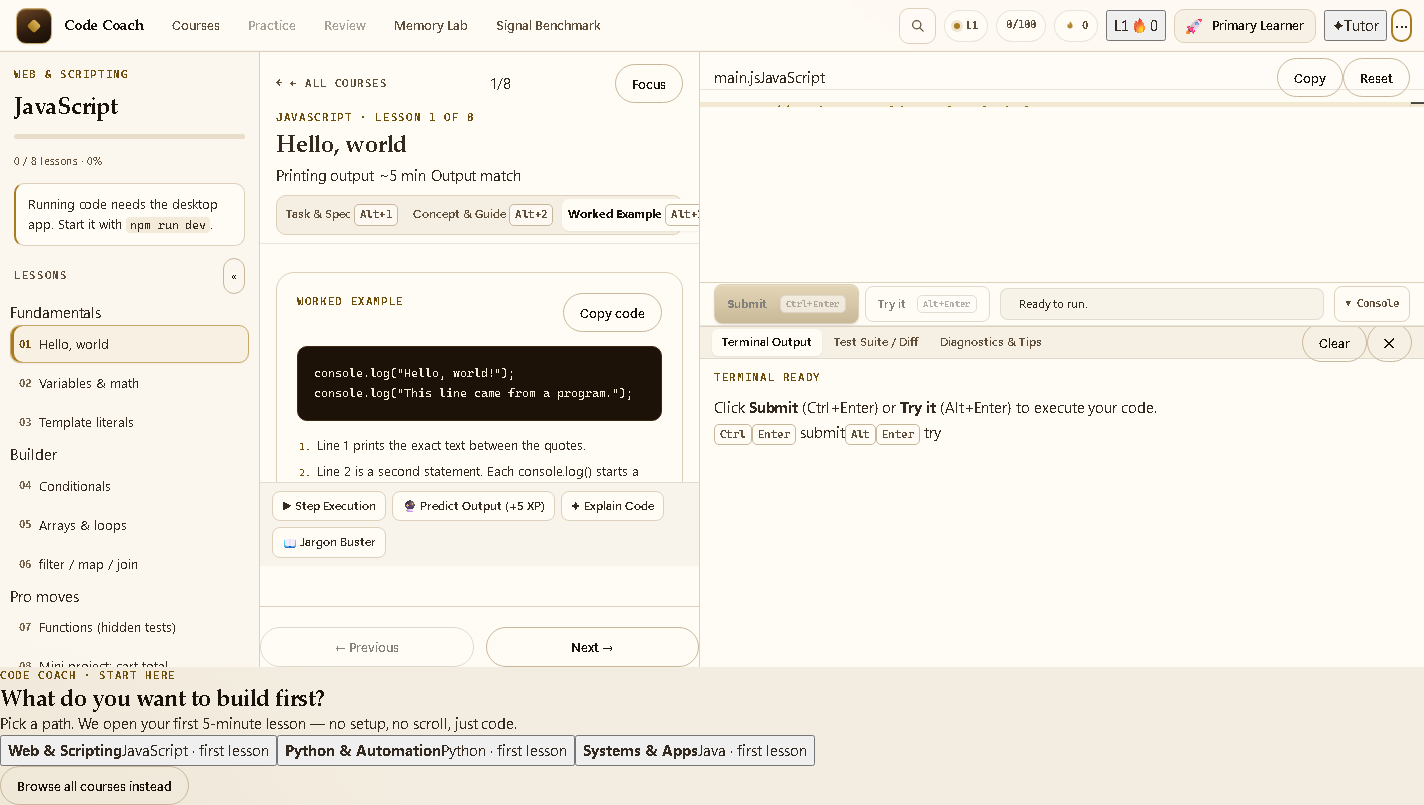
Step backward and forward through your code execution line by line. Inspect stack frames, heap pointers, and variable state mutations in real time.
Predict the Output & Logic Puzzles
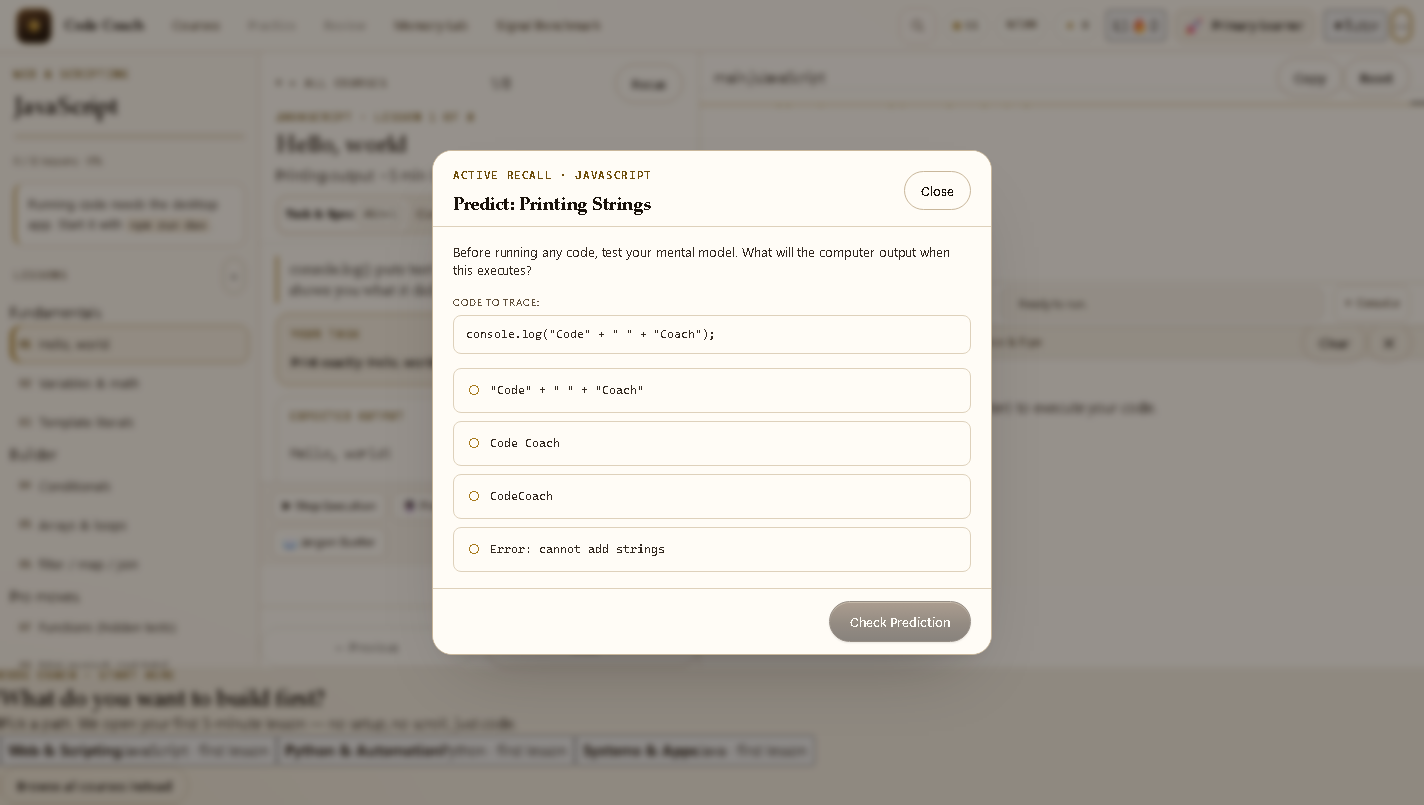
Double memory retention with cognitive pre-computation drills and drag-and-drop Parsons logic puzzles before executing code against automated test assertions.
Visual Token & Whitespace Diff
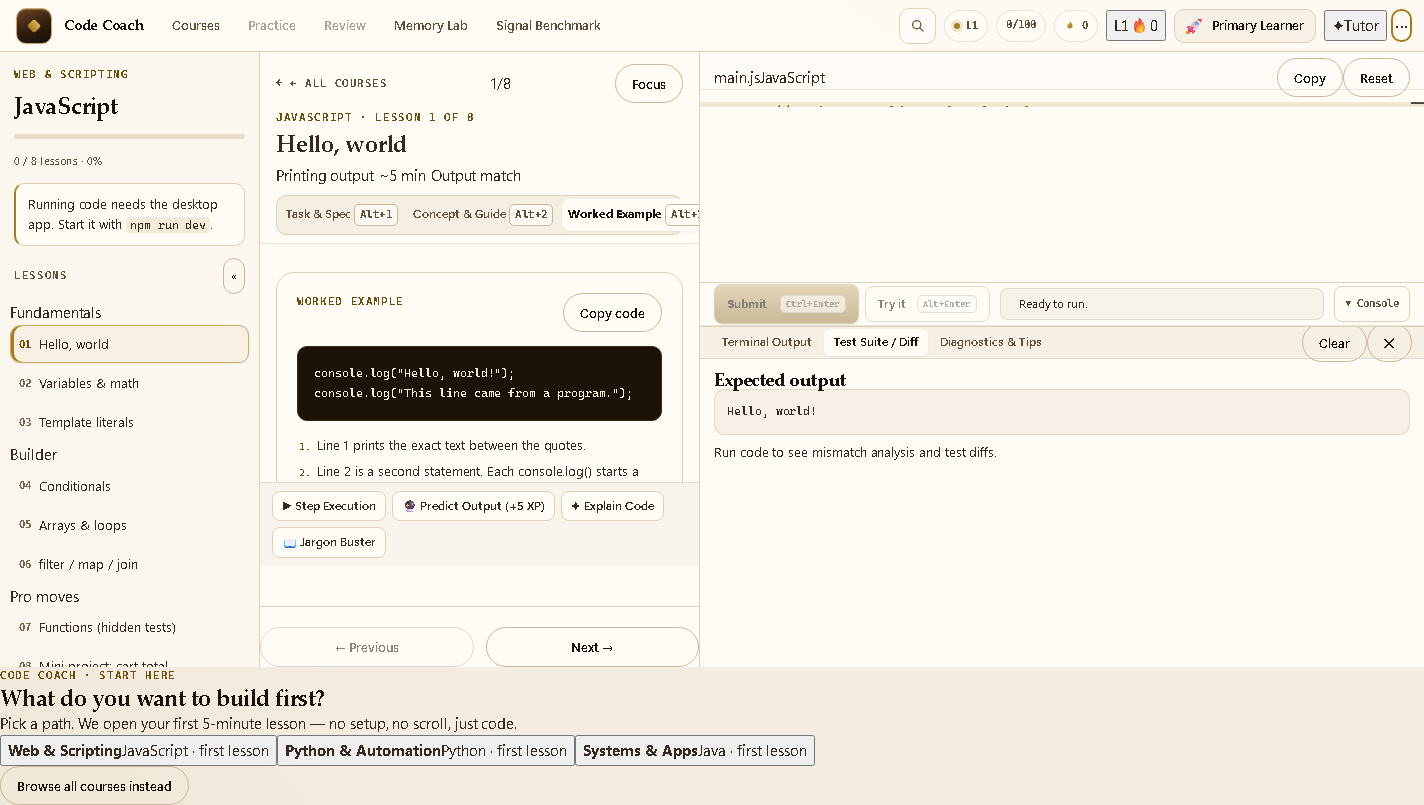
Instantly spot subtle syntax errors. Middle dots (·) indicate spaces and return glyphs (↵) reveal newlines, highlighting exact character mismatches with line and column coordinates.
Final Exams & Certificates
Take timed, comprehensive examinations under realistic conditions. Pass to generate a printable PDF certificate of completion.
Curriculum Matrix
Ten First-Class Programming Languages
Every course features tailored unit tests, real error diagnostics, worked examples, and full capstone projects.
JavaScript & TypeScript
Modern ES2024+, Node.js runtime, strict static typing, interface contracts, generics, and asynchronous programming.
Python 3
F-strings, list comprehensions, dictionary transformations, file processing, and robust algorithmic functions.
Rust
Memory safety without garbage collection, ownership rules, borrowing, pattern matching, and zero-cost abstractions.
C & C++
Direct pointer manipulation, memory allocation, Clang compiler pipeline, data structures, and modern C++20 conventions.
C# & Java
Object-oriented architectures, modern .NET 10 top-level programs, Java 21 LTS records, and enterprise design patterns.
Bash & SQLite
POSIX shell scripting, piping, stream filtering, SQL relational joins, aggregations, schema design, and index queries.
Visual Tour
The Code Coach Workstation in Action
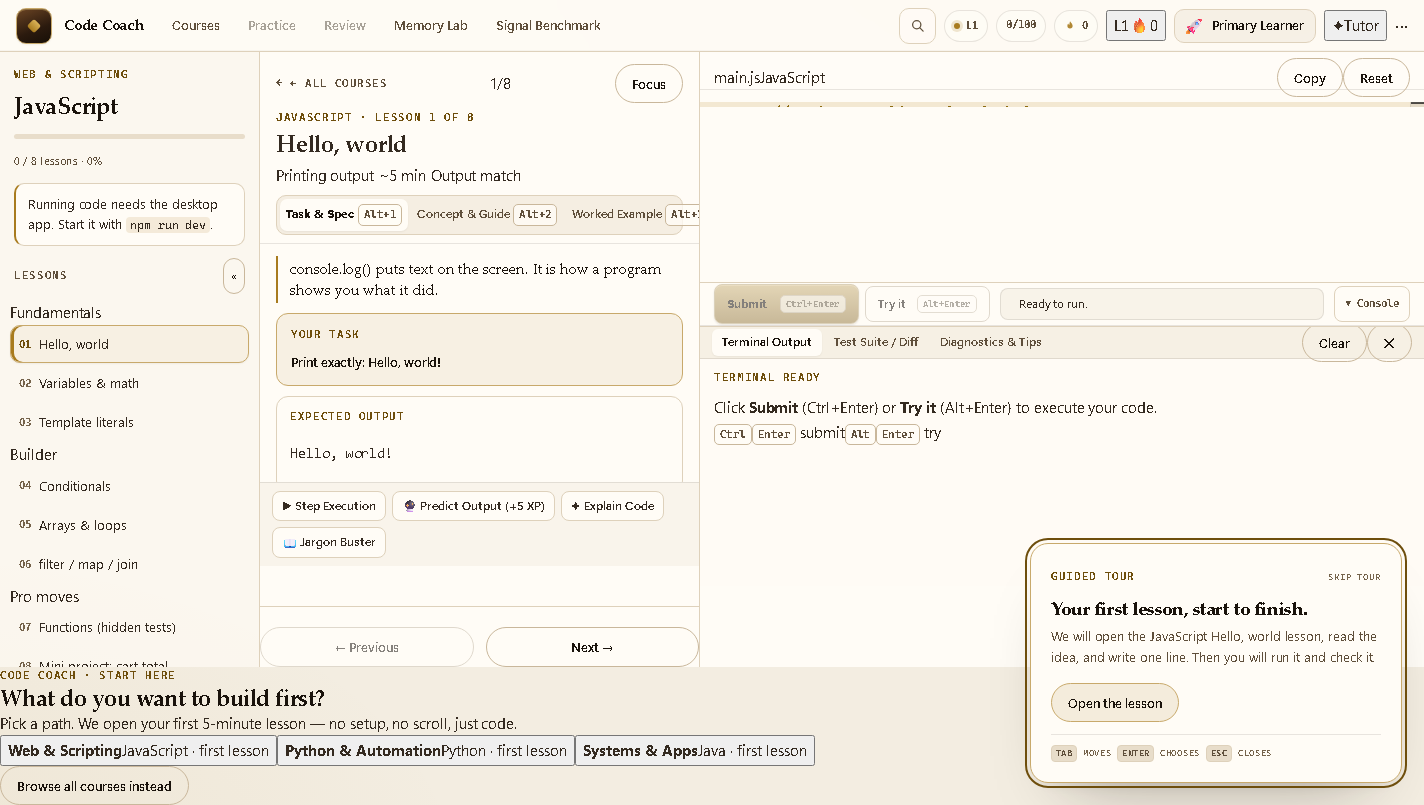
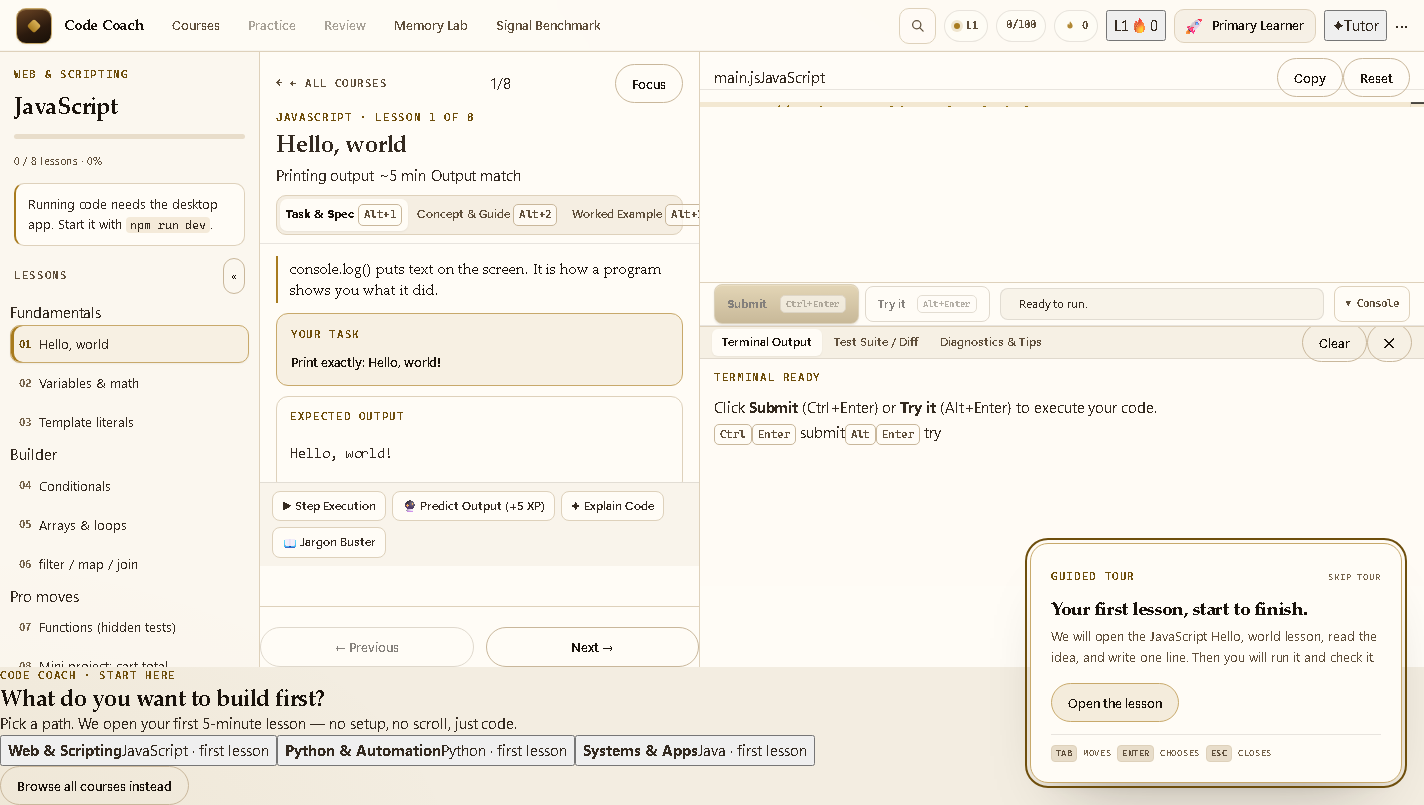
Authentic screenshots of real, interactive desktop workflows running 100% locally on your machine.

DISTRIBUTION & DOWNLOADS
Official Release — Free, Safe & Friction-Free
Download directly from Operator Co, or support development on Gumroad.
Full Windows Installer
Standard Windows setup package with desktop shortcut, start menu entry, and automatic file associations.
- Complete 10-Language Workstation: Includes all curriculum data, Monaco IDE, and built-in interactive pedagogical tools
- Local-first Capability: Practice, review, solve logic puzzles, and write code on planes, trains, or offline setups
Standalone Portable Binary
Single standalone executable. Run directly from a USB drive, cloud folder, or temporary workspace without system installation.
- Instant Launch: Double-click and start learning in seconds without administrator rights
- Self-Contained Data: Progress, drafts, and achievements save safely in your user application directory
Gumroad support
Support independent local-first software development. The app is free; Gumroad is optional.
- Gumroad Support: Support independent local-first software development
Specifications
System Requirements
- Operating System: Windows 10 or Windows 11 (64-bit).
- Memory: 4 GB RAM minimum (8 GB recommended for simultaneous multi-compiler runs).
- Storage: 300 MB free disk space for application files and local progress storage.
- Runtimes: Node.js, Python 3, Clang, .NET, Rust, and SQLite are detected automatically if installed on PATH, allowing immediate native execution.
- Network: Local-first. Internet is optional, only for opt-in cloud sync.